
Accessing Game Reports
-
Log in to ZebraWeb.
-
Enter your sport-specific portal.
-
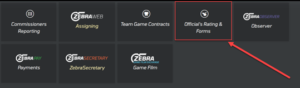
From the main dashboard, click Official’s Rating & Forms.
-
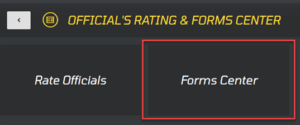
On the next page, click Forms Center.
-
Select Game Report.

-
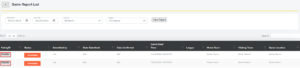
Enter a Start Date and End Date, then click View Report.

-
Click the Rating ID of any incomplete report to open it.
-
Complete the game report, then click Save Report at the bottom of the page.